Download SalesEQ
Install the desktop app on macOS and Windows.
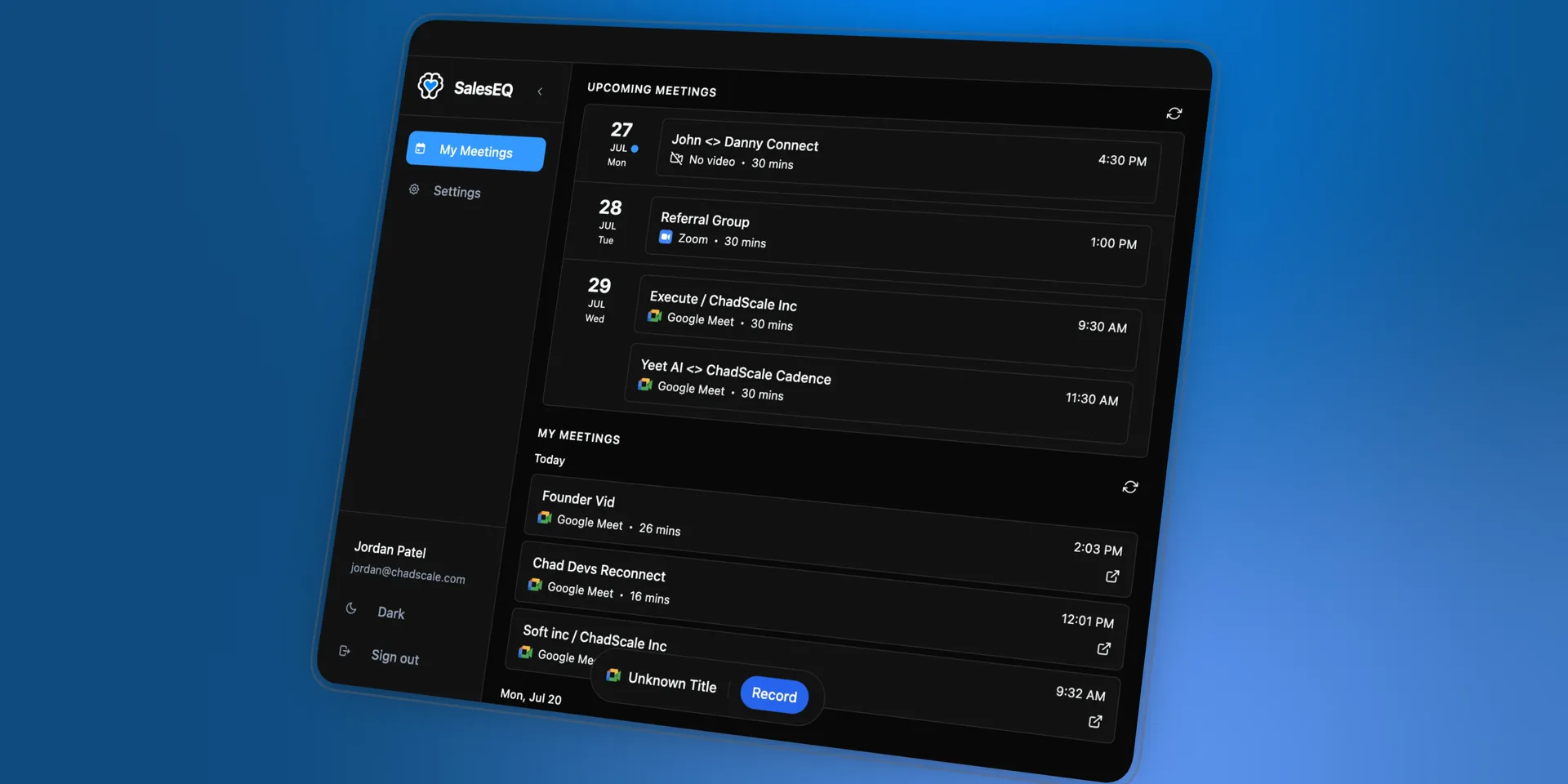
The desktop app is what captures a meeting while it happens. It records, it transcribes live as people talk, and it lets you ask questions about the meeting without waiting for it to finish.
Everything after a meeting works in the web app. Everything during one needs the desktop app, so install it on whichever machine you take meetings on.
Install
Download the app
Open Download and choose macOS or Windows.
On macOS, drag it to Applications
Drag SalesEQ into your Applications folder before you open it.
Running it from your Downloads folder works at first, then stops updating. The app cannot install its own updates from outside Applications, so it falls behind and eventually breaks. This is the most common setup mistake.
Approve the system permissions
macOS asks before it lets any app reach your screen or your audio, and SalesEQ records nothing until you approve those prompts. Accept each one as it appears. macOS sometimes wants the app quit and reopened before a permission takes effect.
Windows asks for less. Approve whatever it prompts for and carry on.
Sign in
Sign in once the permissions are done. The app opens your browser, then hands you back. Use the same account you use for the web app.
Where it lives
The app runs in your menu bar on macOS and your system tray on Windows. Start and stop a recording from there without opening the main window.
SalesEQ can also show recording status on its Dock icon on macOS or its taskbar icon on Windows. A red dot means recording, and an amber dot means paused. Turn the indicator on or off under Dock icon or Taskbar icon in the desktop app's Settings.
Updates
The app installs its own updates in the background and shows the version you are running. You do not need to download a new build to stay current.
On macOS this depends on the app living in Applications. If updates never seem to arrive, check where you dragged it.
Verify it worked
Open SalesEQ from Applications on macOS or the Start menu on Windows. The desktop app window opens and shows that you are signed in. To test the recording path, continue to Record your first meeting.
Next
- Record your first meeting walks through a meeting end to end.
- Desktop app recording covers capturing a meeting.
- Live AI covers reading and questioning a meeting as it happens.