Recording notice
Post a message in the meeting chat when a recording starts.
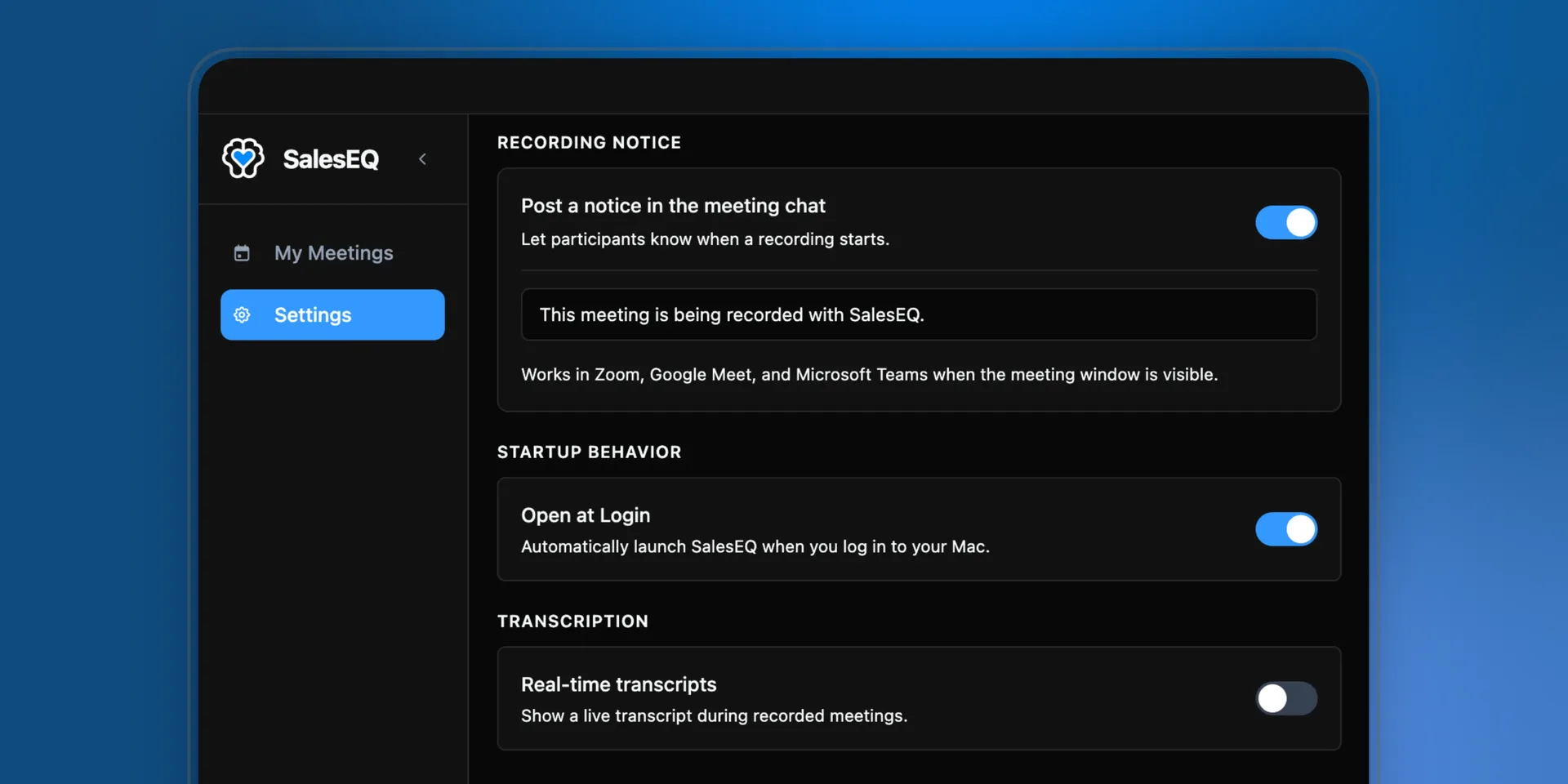
SalesEQ records from your machine rather than sending a bot, so nobody in the meeting gets the usual signal that a recording started. This setting supplies one. When you start recording, SalesEQ posts a message in the meeting chat.
macOS only for now
Turn it on
Open desktop settings
Open the SalesEQ desktop app and go to Settings.
Turn on the notice
Under Recording notice, find Post a notice in the meeting chat and switch it on.
Edit the message
The default reads:
This meeting is being recorded with SalesEQ.Replace it with whatever your team says.
Where it posts
The notice posts in Zoom, in Microsoft Teams, and in Google Meet when you are on Chrome. Google Meet in another browser does not get one.
The meeting also has to be in front of you. SalesEQ opens the chat panel to post, so switching to another window or another tab as recording starts can stop the message going out.
Slack huddles have no chat to post into.
Verify it worked
Start a recording with the meeting window in front of you. The message appears in the meeting chat as you begin.
What to put in it
Short is better than complete. People read a chat message in a second or not at all.
Teams tend to land on one of three. Swap in your own company name.
The bare fact. This is the default, and it is enough for most teams.
This meeting is being recorded with SalesEQ.The fact plus a reason. Useful while recording is new to your team and customers ask why.
Acme is recording this meeting so we can capture notes and follow up accurately.The fact plus a link. For teams with a recording policy written down somewhere.
Acme is recording this meeting. Our recording policy: acme.com/recordingWhat this setting is not
The notice posts a message. It does not ask for consent, wait for a reply, or stop the recording if somebody objects.
Recording rules vary by country and by state, and some of them require more than telling people. Work out what applies to you and treat this setting as one part of that, not the whole of it.
Next
- Desktop app recording covers starting a recording.
- Automatic recording covers recordings that start on their own, where a notice matters most.