Onboarding flow
Get new teammates recording on their first day.
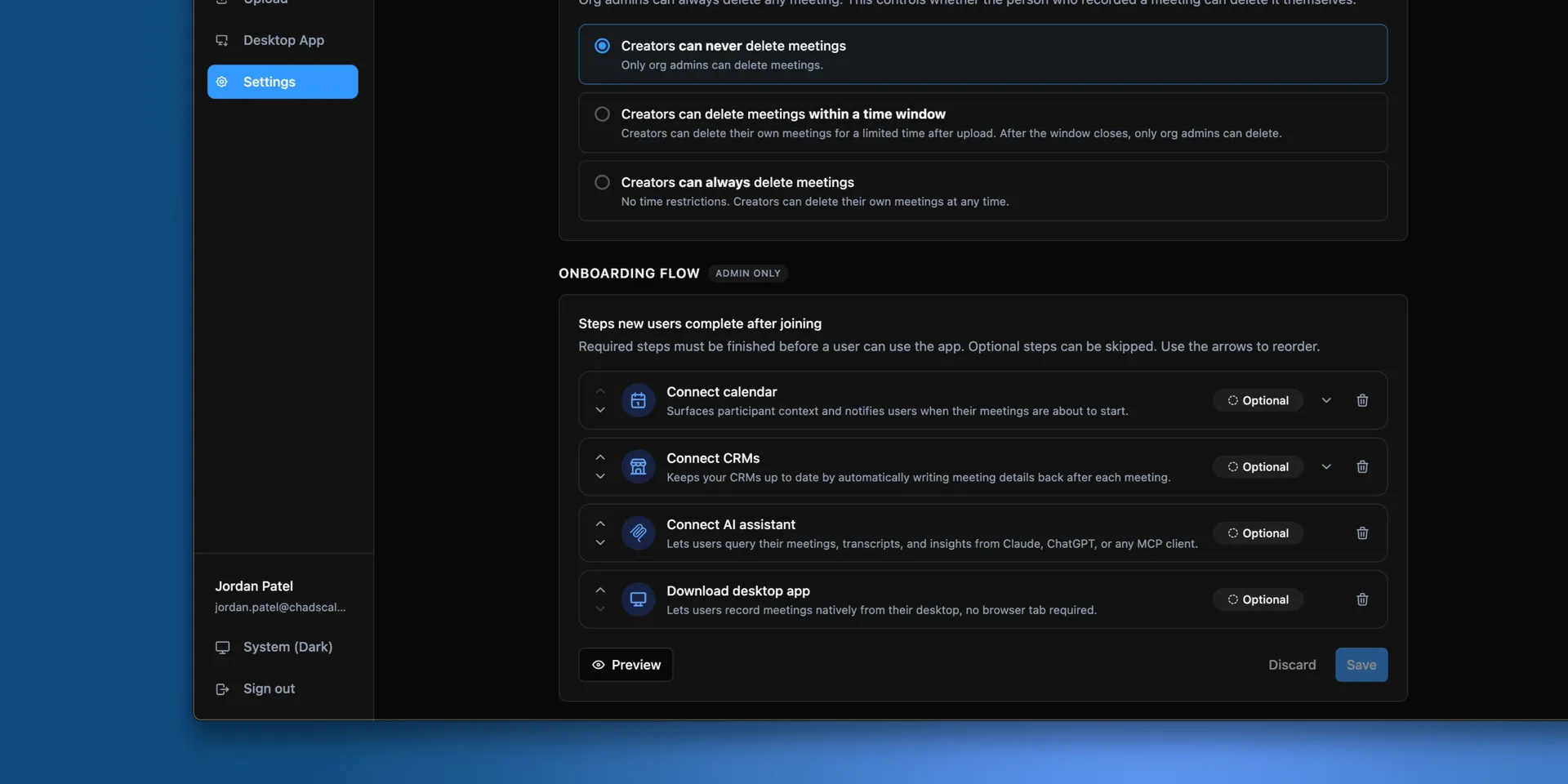
New members are walked through setup rather than landing in an empty organization. The guided steps cover installing the desktop app, connecting a calendar, and connecting a CRM.
Admins choose which steps appear and which are required, so people join with the connections your team actually uses.
Configure it
Open settings
Go to Onboarding flow as an admin.
Choose which steps appear
Turn off steps that do not apply to your team. A team that does not use a CRM should not be asked to connect one.
Choose which steps are required
A required step has to be completed before someone finishes setup.
Verify it worked
Select Preview to walk the flow exactly as a new member sees it, without inviting anyone.
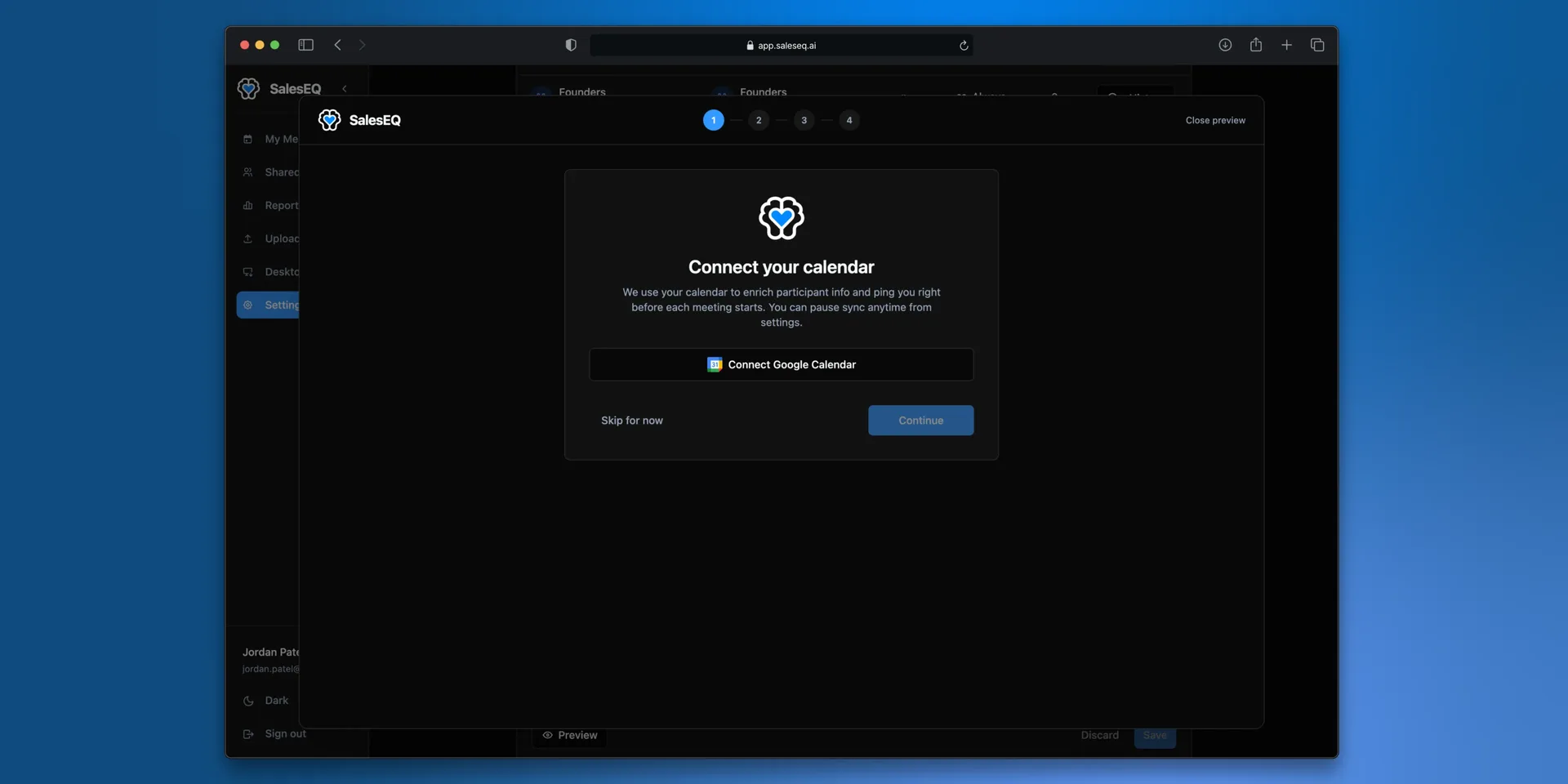
Preview runs your unsaved changes, so you can check a step before you commit to it. Select Close preview to come back, then Save.
What to require
Requiring everything gets people stuck on their first day. Requiring nothing costs more than it looks. Someone who skips the calendar gets generated meeting titles, no attendee list, and no reminder before a meeting starts. Someone who skips the desktop app cannot record at all.
A reasonable middle:
- Require the desktop app. Without it a rep cannot record, which is the whole product.
- Require the calendar. It is what puts real titles and names on meetings.
- Leave the CRM optional. Not every rep owns CRM records, and it can be added later.
Next
- Members and roles covers inviting people.
- Join your organization is the same path, written for the person joining.