Plans and billing
Choose a plan and manage your subscription.
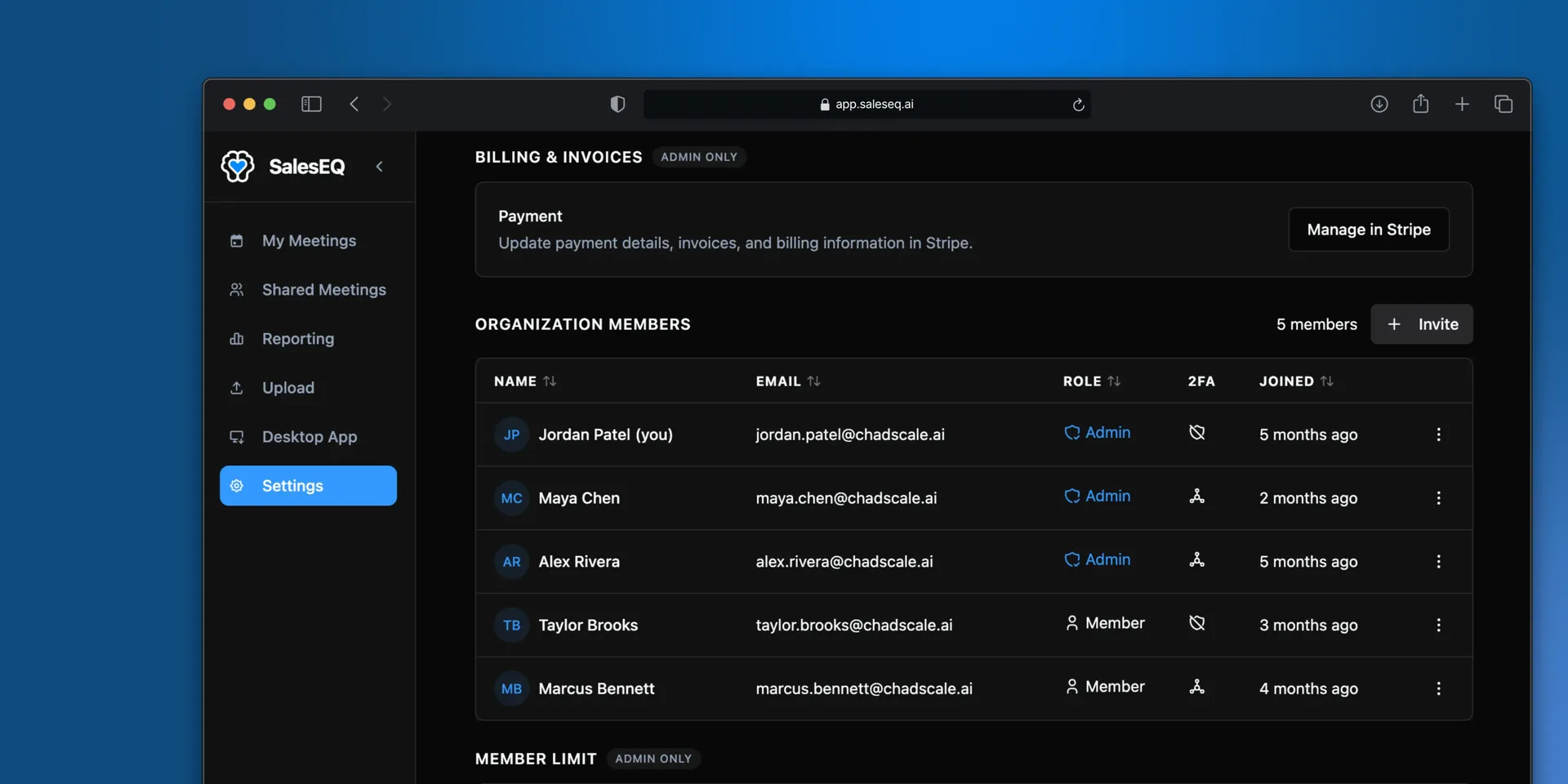
SalesEQ bills through Stripe, so your plan, payment method, and invoices are all managed there. Seats update as you invite and remove people.
Billing is admin-only.
Manage your plan
Go to Billing & invoices as an admin and select Manage in Stripe. Your plan, payment method, and invoices all live there.
How seats work
A seat is a member of your organization. Inviting someone adds a seat, and removing them frees it.
On a self-serve card plan, SalesEQ keeps your Stripe subscription matched to your active member count. You pay for the seats you are using, rather than buying a block up front and leaving some of it empty.
Seats added partway through a billing period are prorated, and that charge lands on your next invoice rather than straight away. Start a monthly period with four seats, add two at the halfway point, and your next invoice covers six seats plus a half-period charge for the two you added.
If you are trimming seats before a renewal, remove members rather than only asking them to stop signing in. An inactive member still holds a seat.
Paying by invoice
Most teams pay by card and manage everything themselves from billing settings.
Larger teams can be billed by invoice instead. That is arranged by hand rather than through the app, so contact us to set it up. Organizations billed this way manage seats with us rather than through billing settings, so automatic seat tracking and proration do not apply.
Next
- Members and roles covers inviting and removing people, which is what moves your seat count.