HubSpot
Push a meeting's summary and notes onto the matching HubSpot contact.
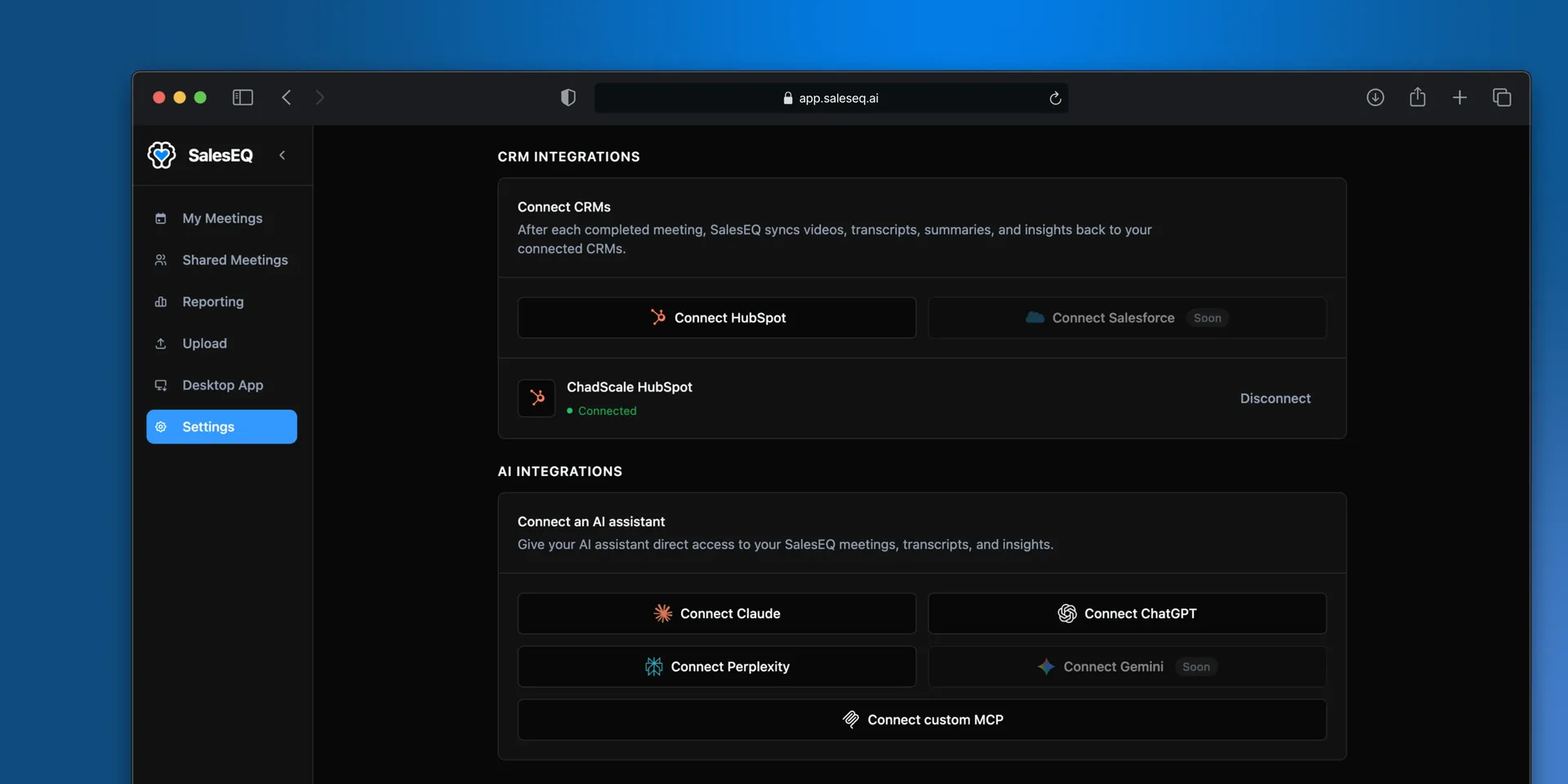
Connect HubSpot and send a meeting's summary and notes onto a contact or a deal without leaving SalesEQ.
You choose which meeting goes where, one at a time. Nothing syncs on its own.
Connect
Connect HubSpot
Authorize SalesEQ against your HubSpot account.
Push a meeting
Open the meeting, select More actions next to Share, then select Add to HubSpot. Search for the contact, the deal, or both, and send it. Both are optional, so you can attach a meeting to a deal without naming a contact.
Add to HubSpot appears only once HubSpot is connected.
Verify it worked
Open the contact or deal in HubSpot. The notes from the meeting are on the record.
Why you push each meeting yourself
Every meeting is a judgment call about whether it belongs in the CRM. Internal meetings, first conversations that went nowhere, and meetings with the wrong person would all end up on customer records if this ran on its own.
Pushing per meeting keeps your CRM readable.
Next
- Email and follow-up drafts covers the follow-up itself.